Whatsapp Clone With Flutter Main AndroidApp
Dart
Whatsapp Clone With Flutter Main AndroidApp
Flutter UI replication of WhatsApp with light and dark themes — front-end only, no messaging backend.
Preview
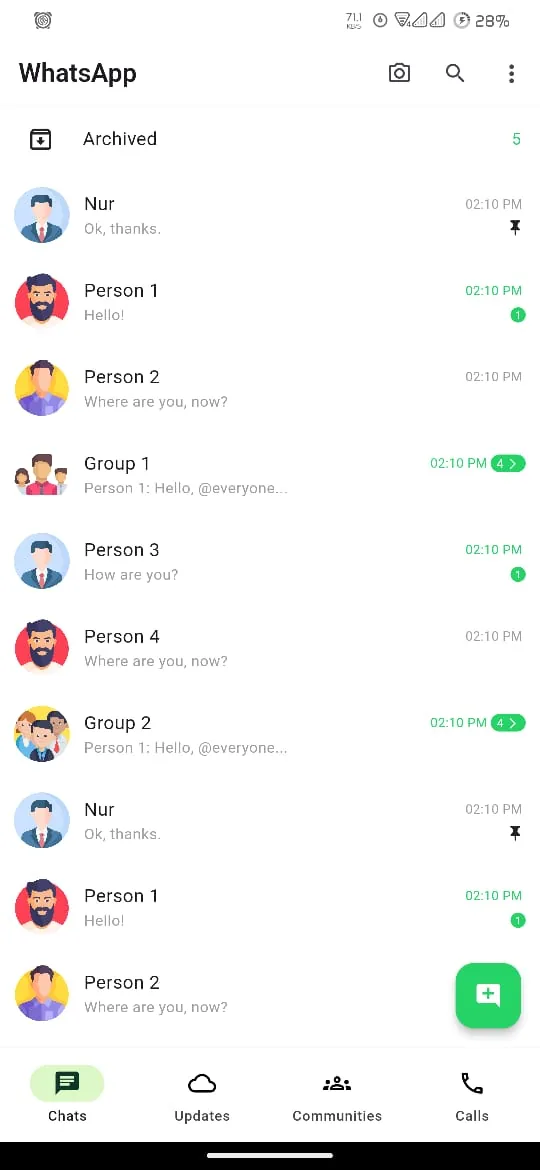
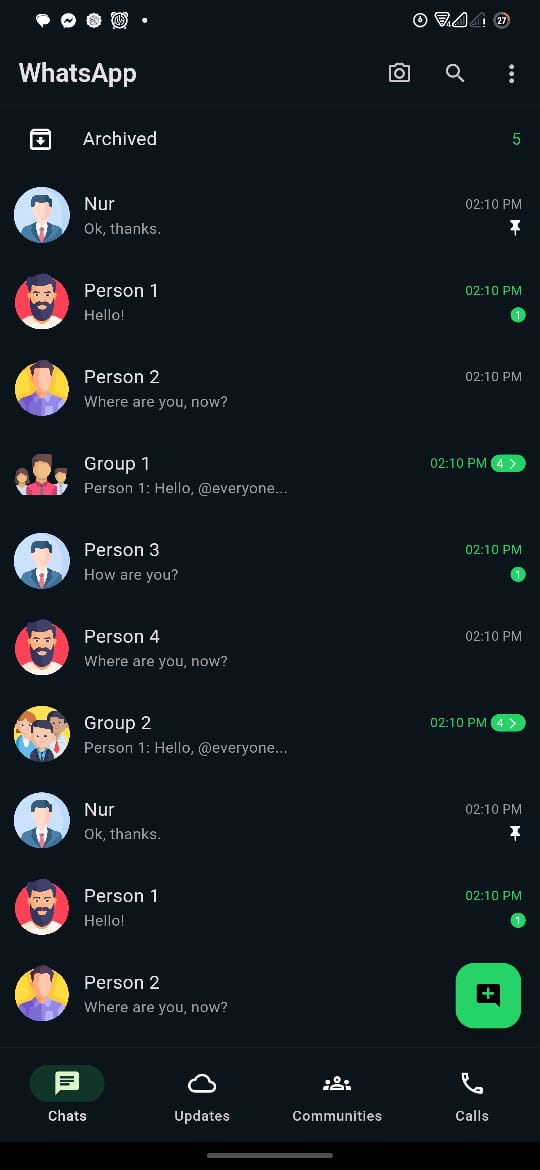
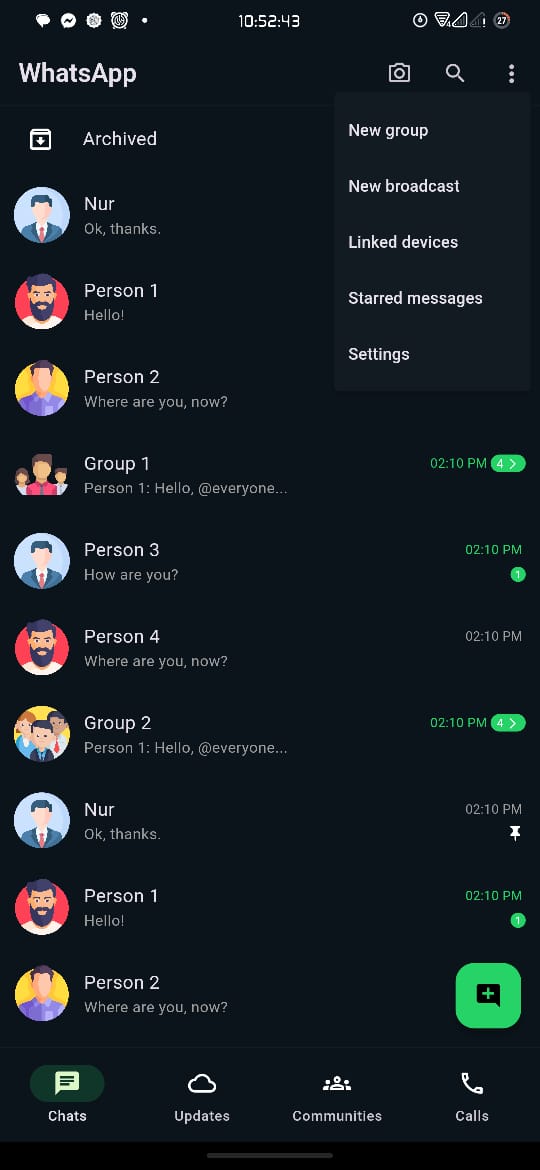
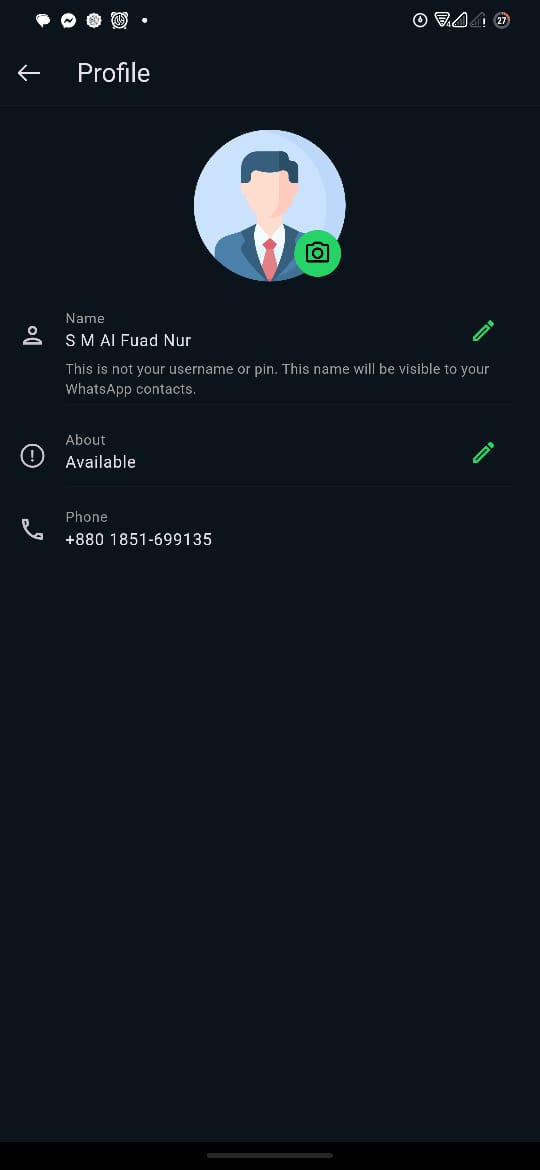
A real screenshot taken from the app, included in the project repository.
What this demonstrates
- Primary language: Dart (99.2%)
- Multi-language stack (4 languages)
- Last updated 4 months ago
Tech stack
Overview
Whatsapp Clone With Flutter Main AndroidApp is a reusable, polished UI theme/template, also serving as a cross-platform mobile application. It is built primarily with Dart, Swift, Kotlin. Flutter UI replication of WhatsApp with light and dark themes — front-end only, no messaging backend..
Project README
WhatsApp Clone with Flutter
Welcome to the WhatsApp Clone with Flutter project! This project aims to replicate the UI of WhatsApp using Flutter. This README will guide you through the structure of the project and provide information on how to get started.
Table of Contents
Project Overview
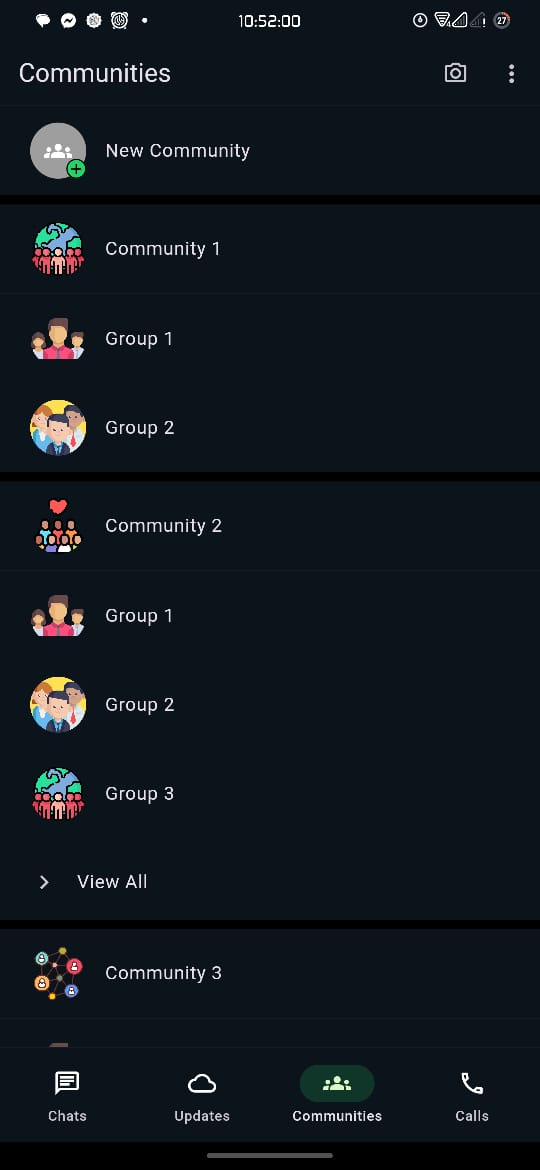
WhatsApp Clone with Flutter is a UI replication of the popular messaging app WhatsApp. This project focuses on the visual aspects and does not include backend functionalities like messaging, calling, or data storage.
Features
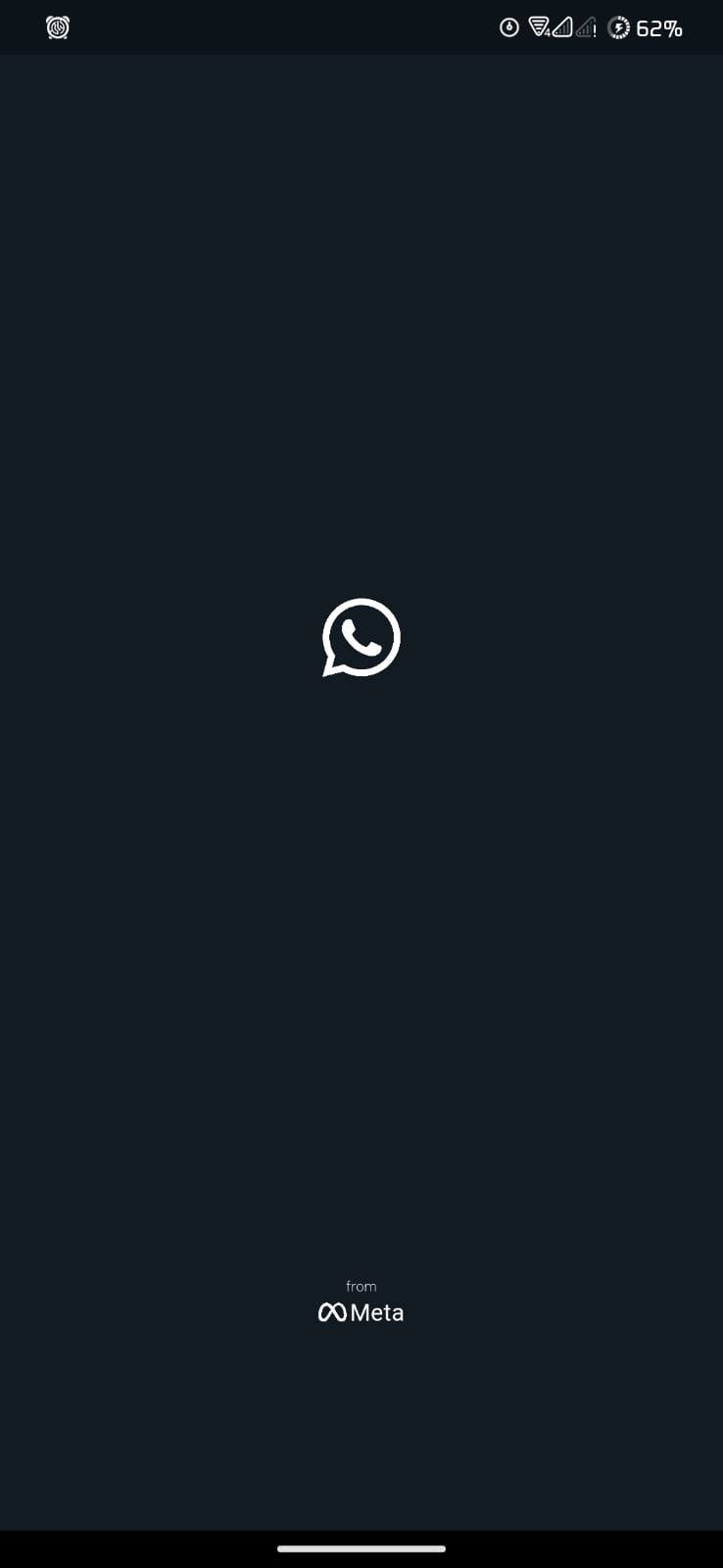
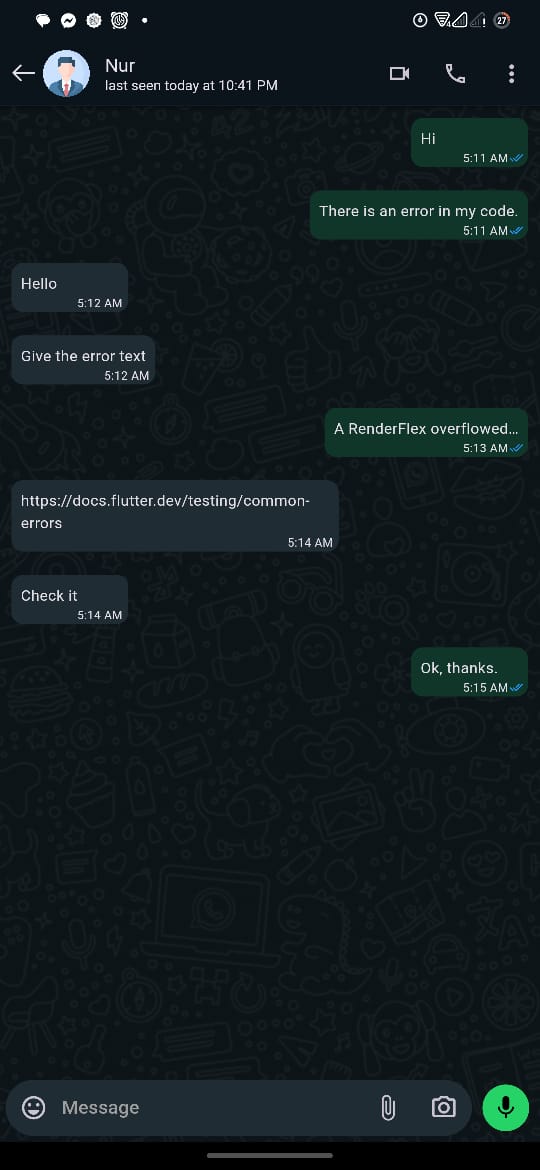
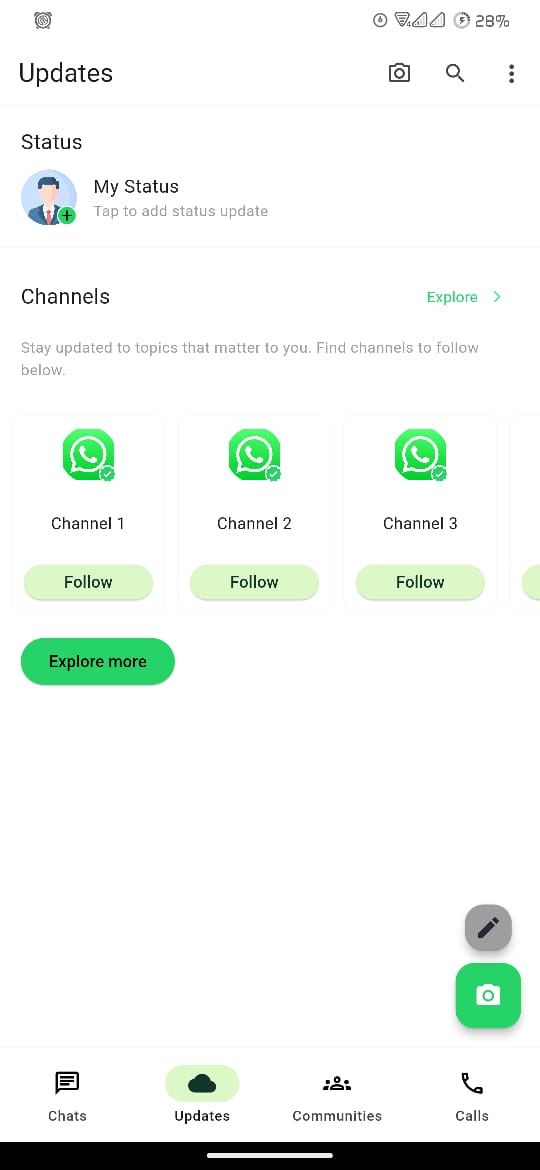
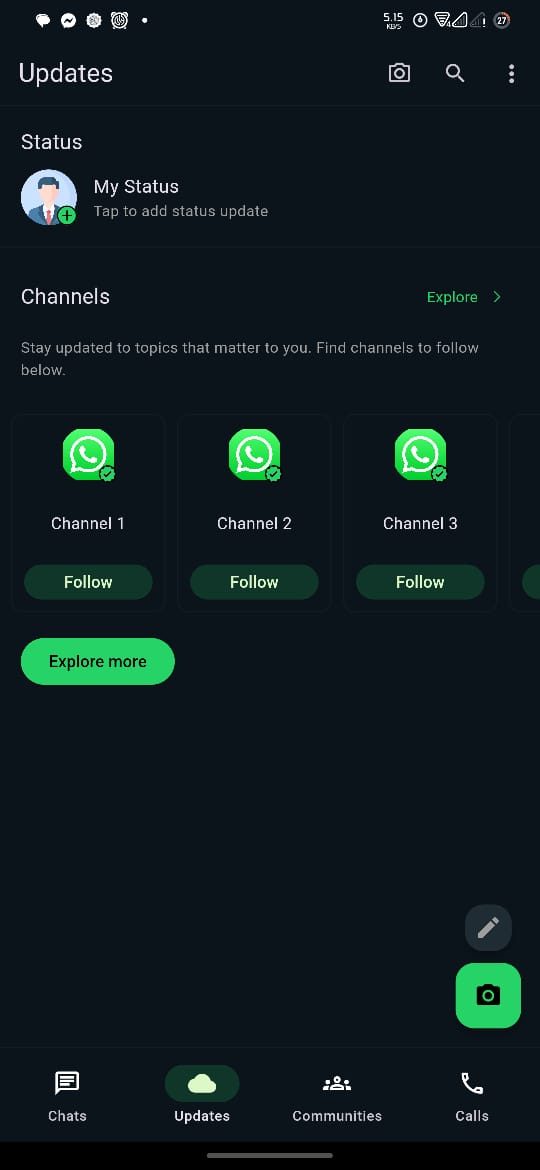
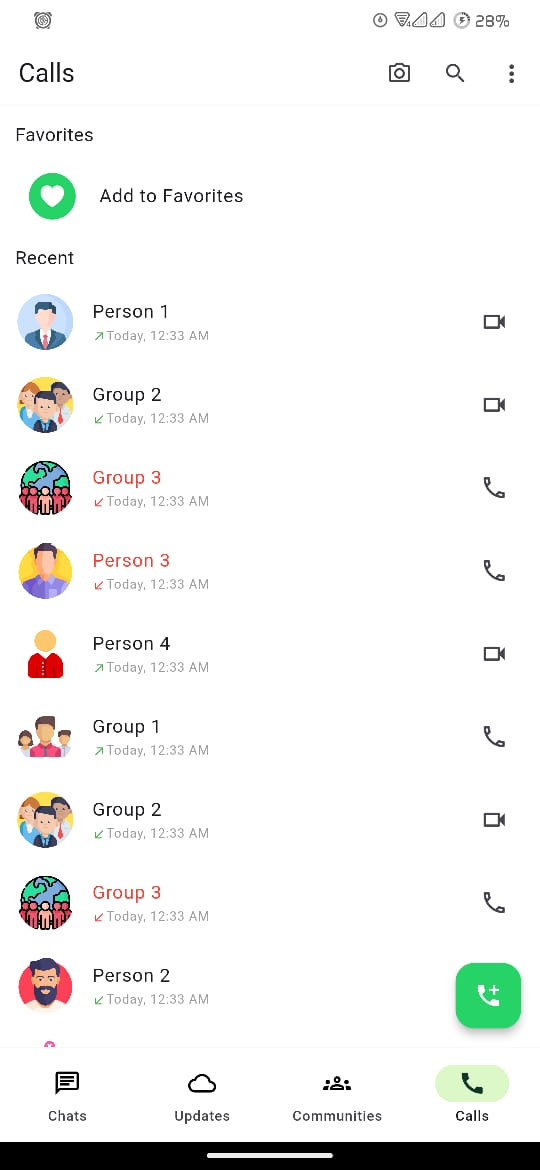
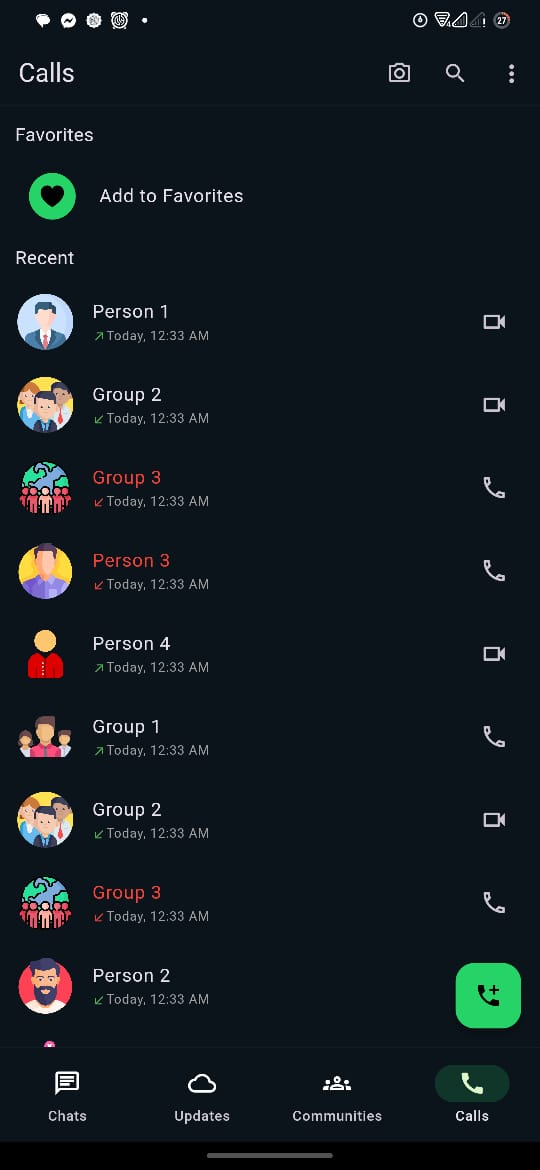
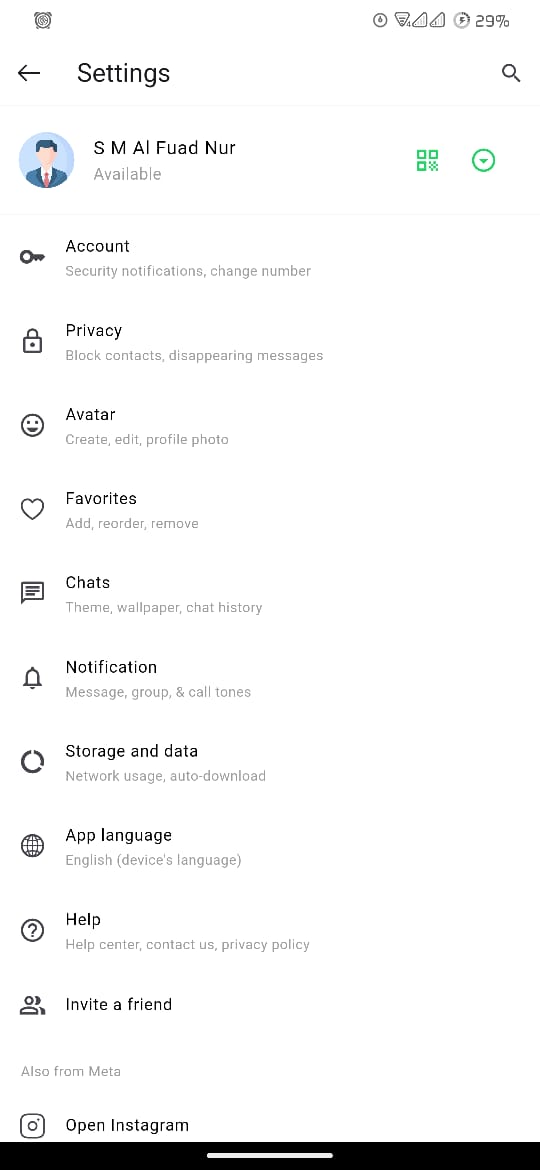
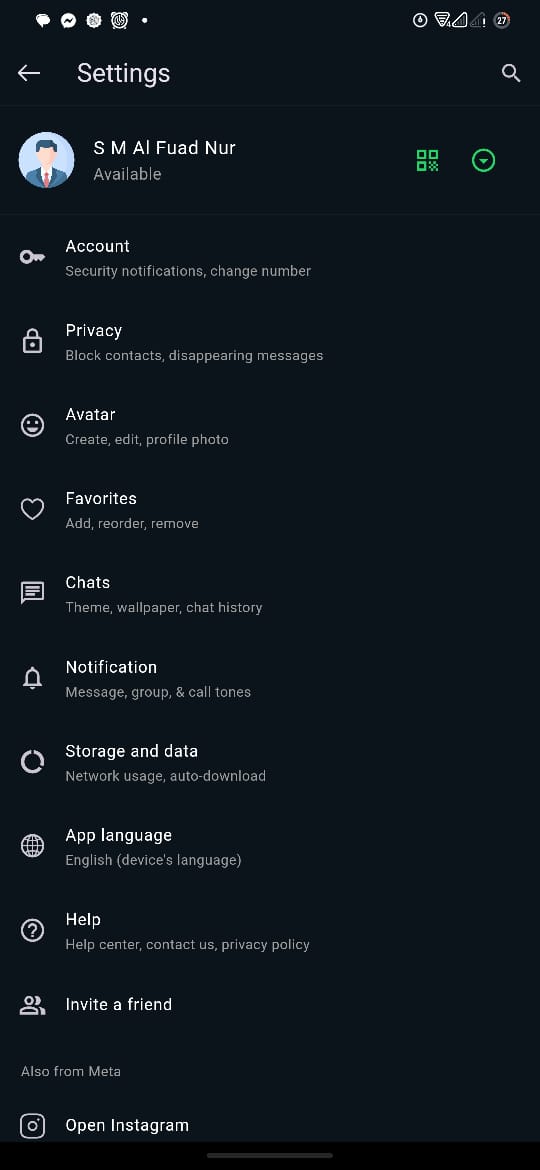
- Dark Mode and Normal Mode: Toggle between light and dark themes.
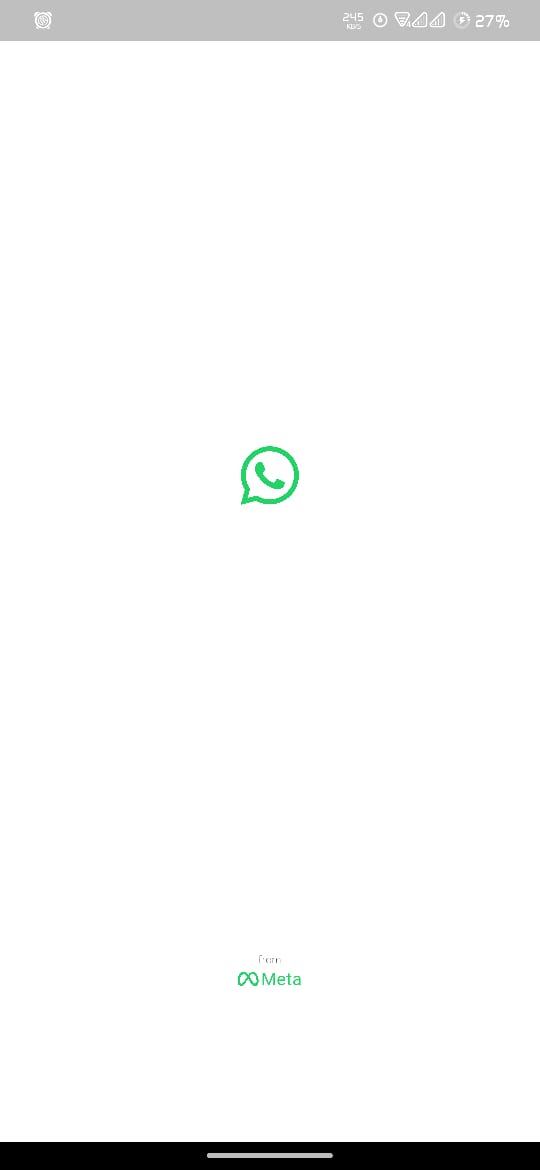
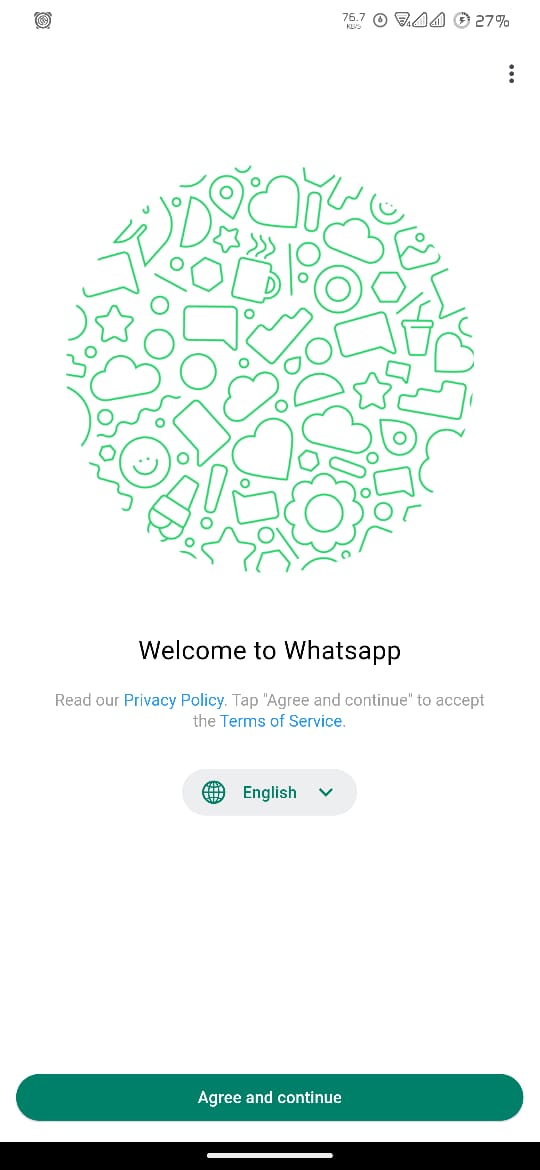
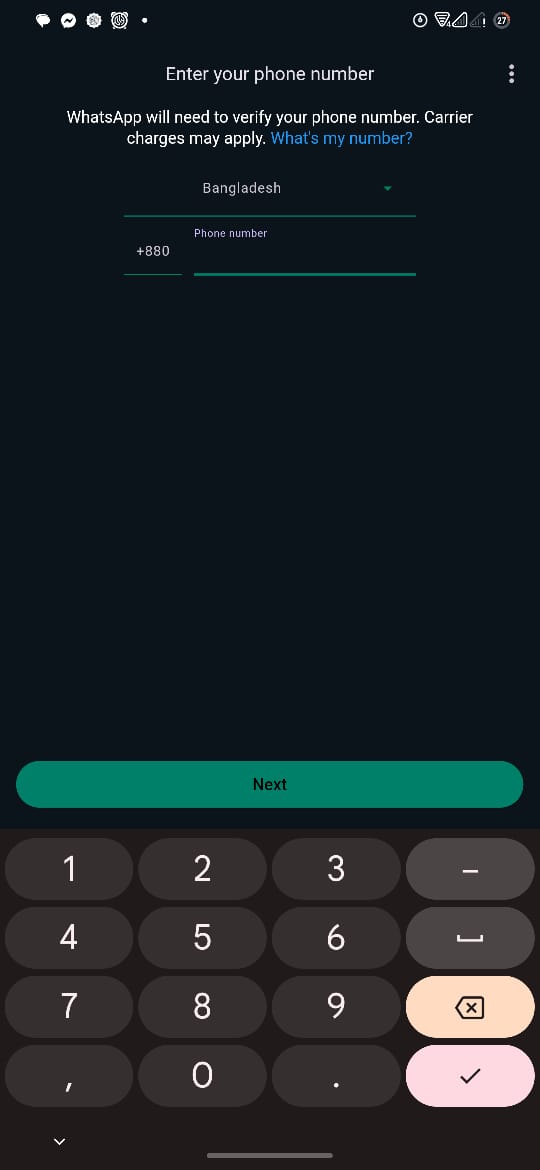
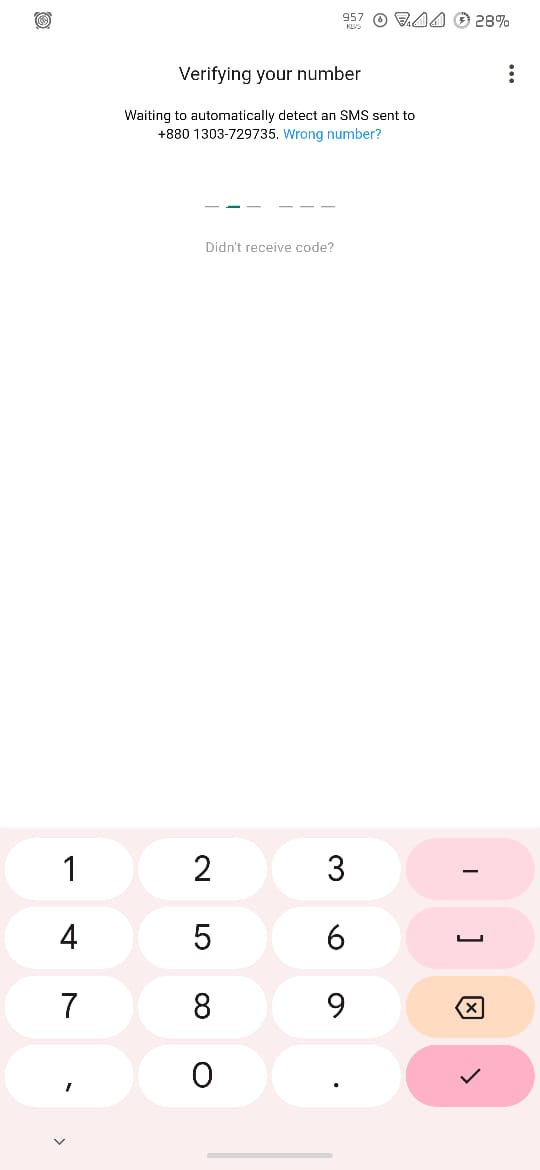
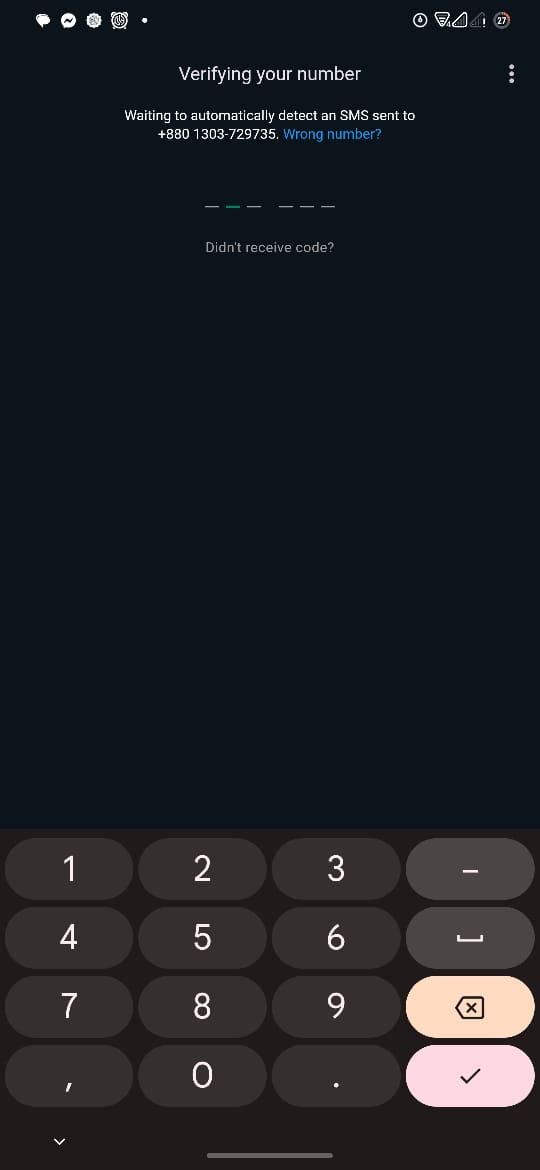
- Authentication Screens: Splash screen, welcome page, phone number verification, OTP verification.
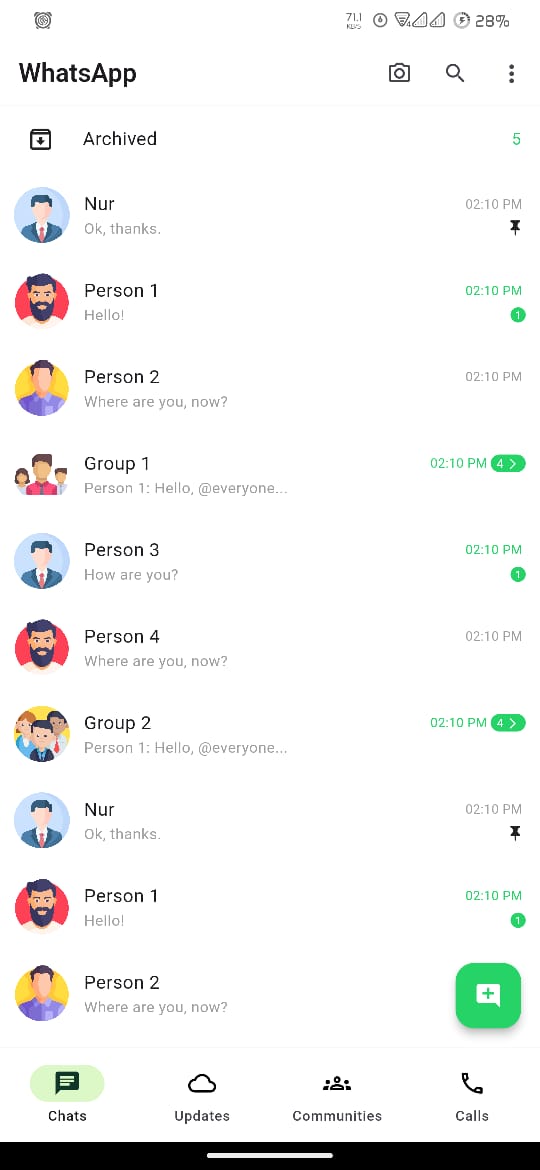
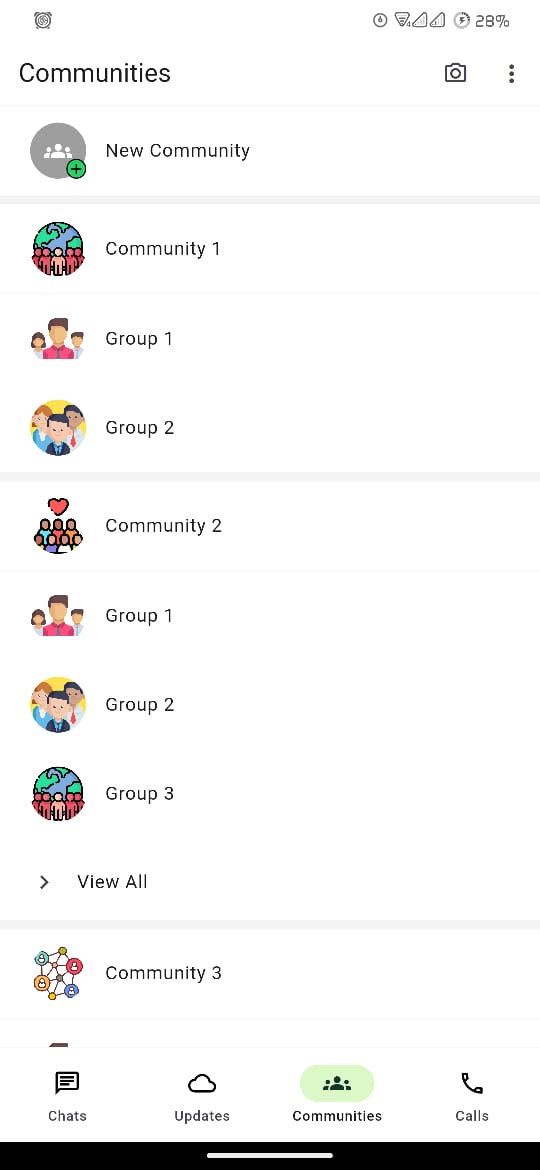
- Home Screen: Chats, status updates, and call logs.
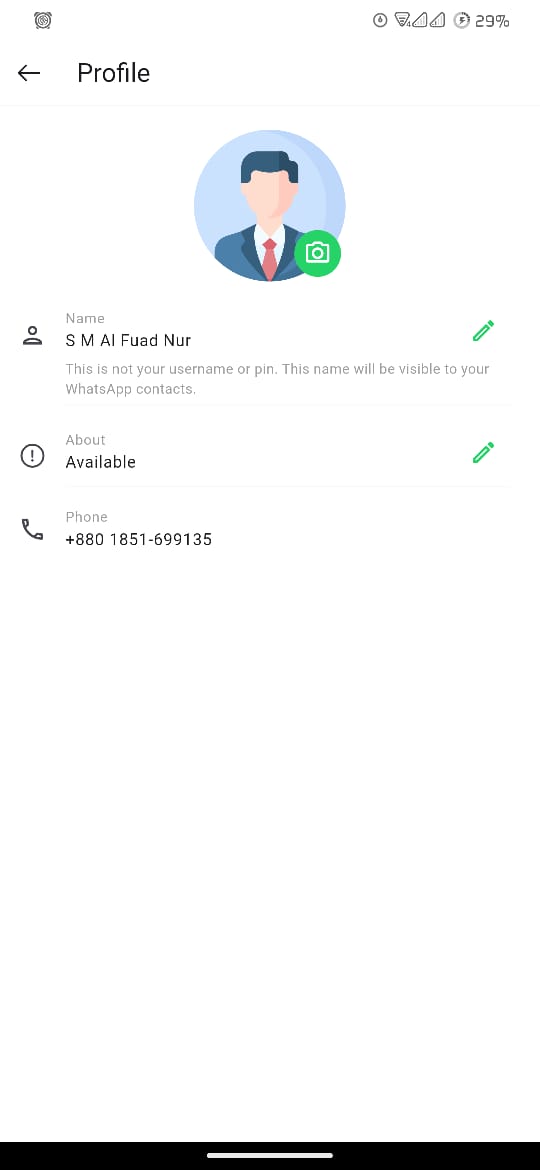
- Profile and Settings: User profile and settings pages.
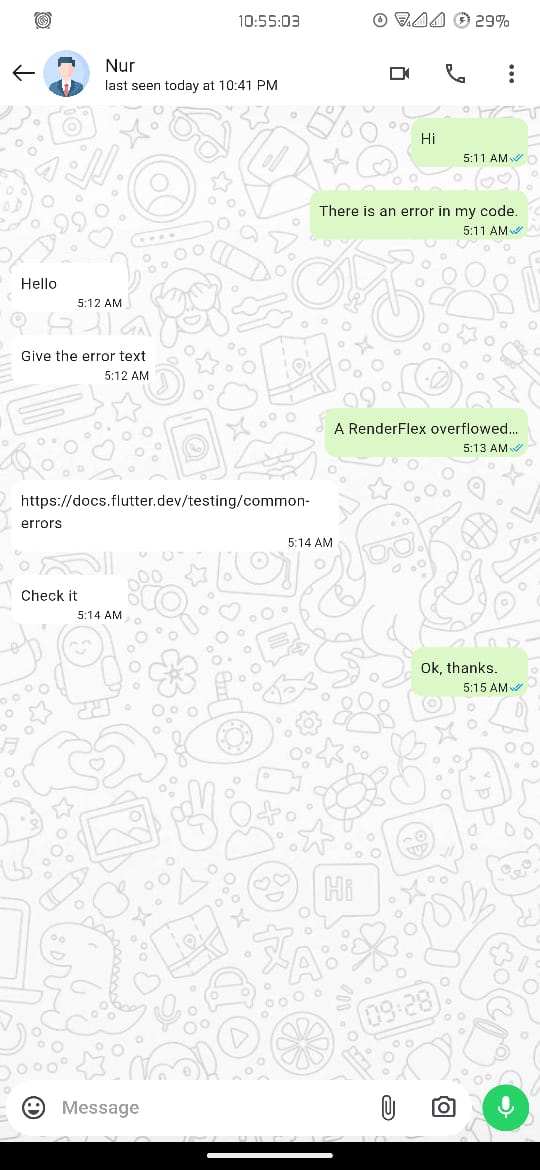
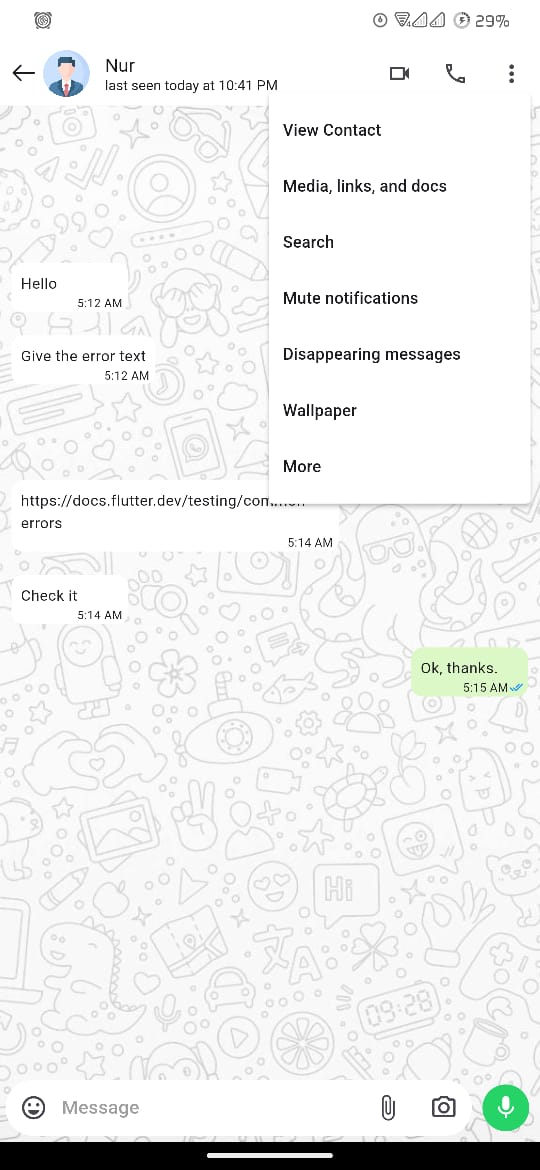
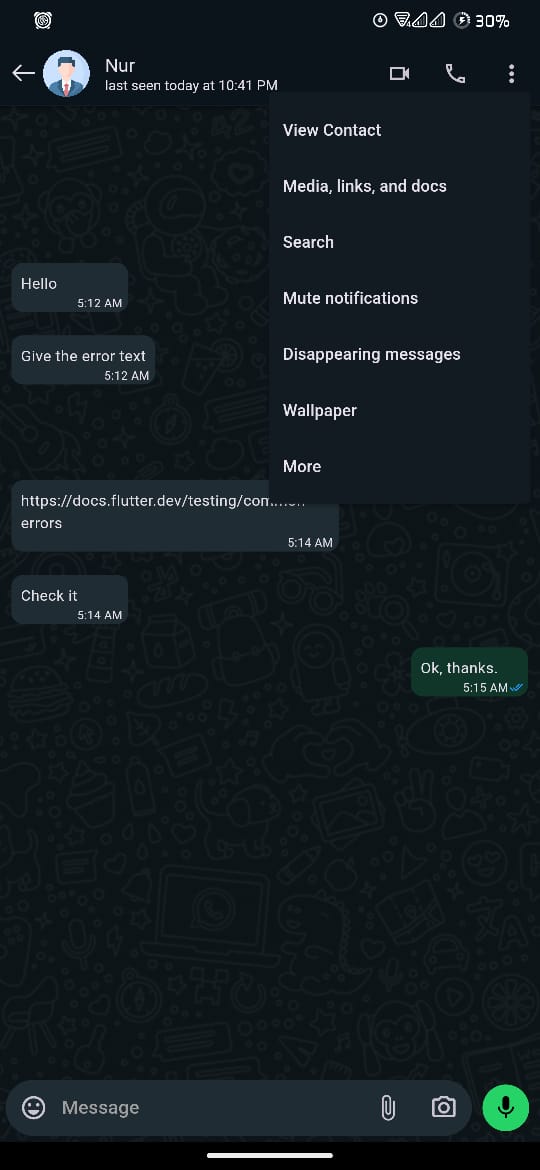
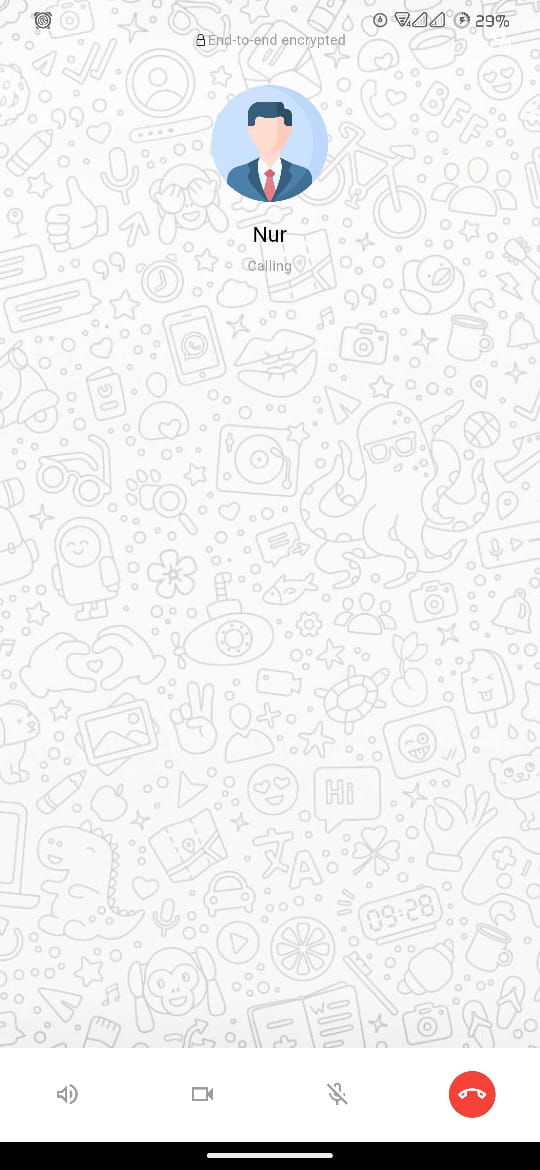
- Messaging Interface: Chat UI with options for audio and video calls.
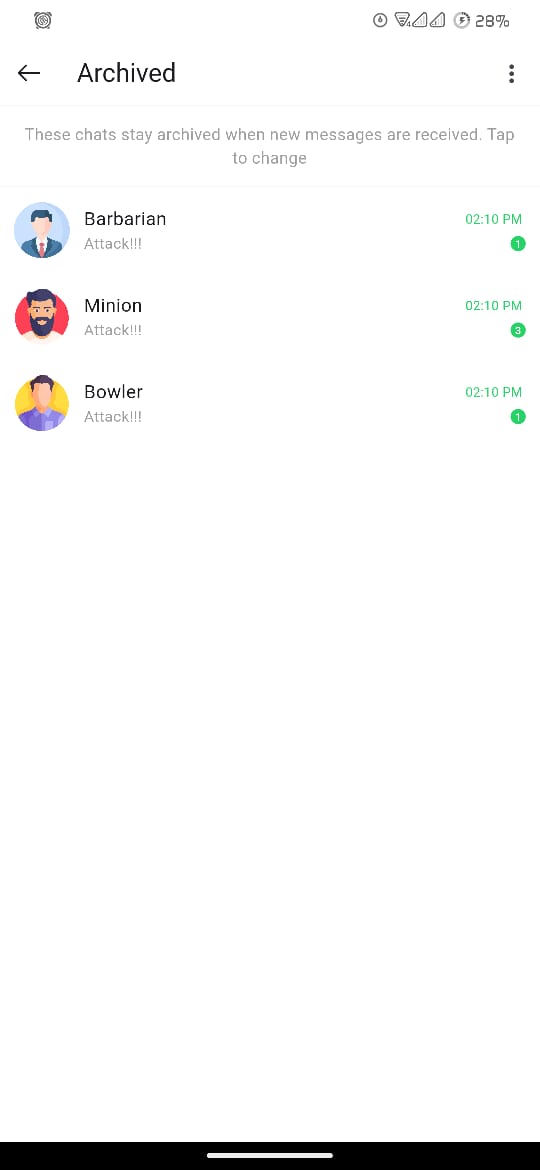
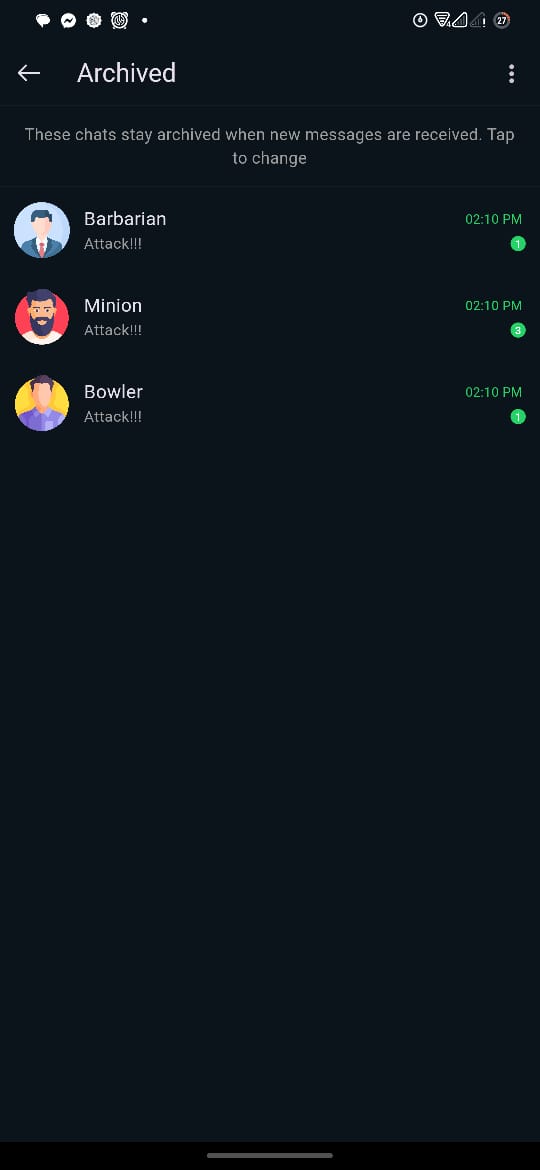
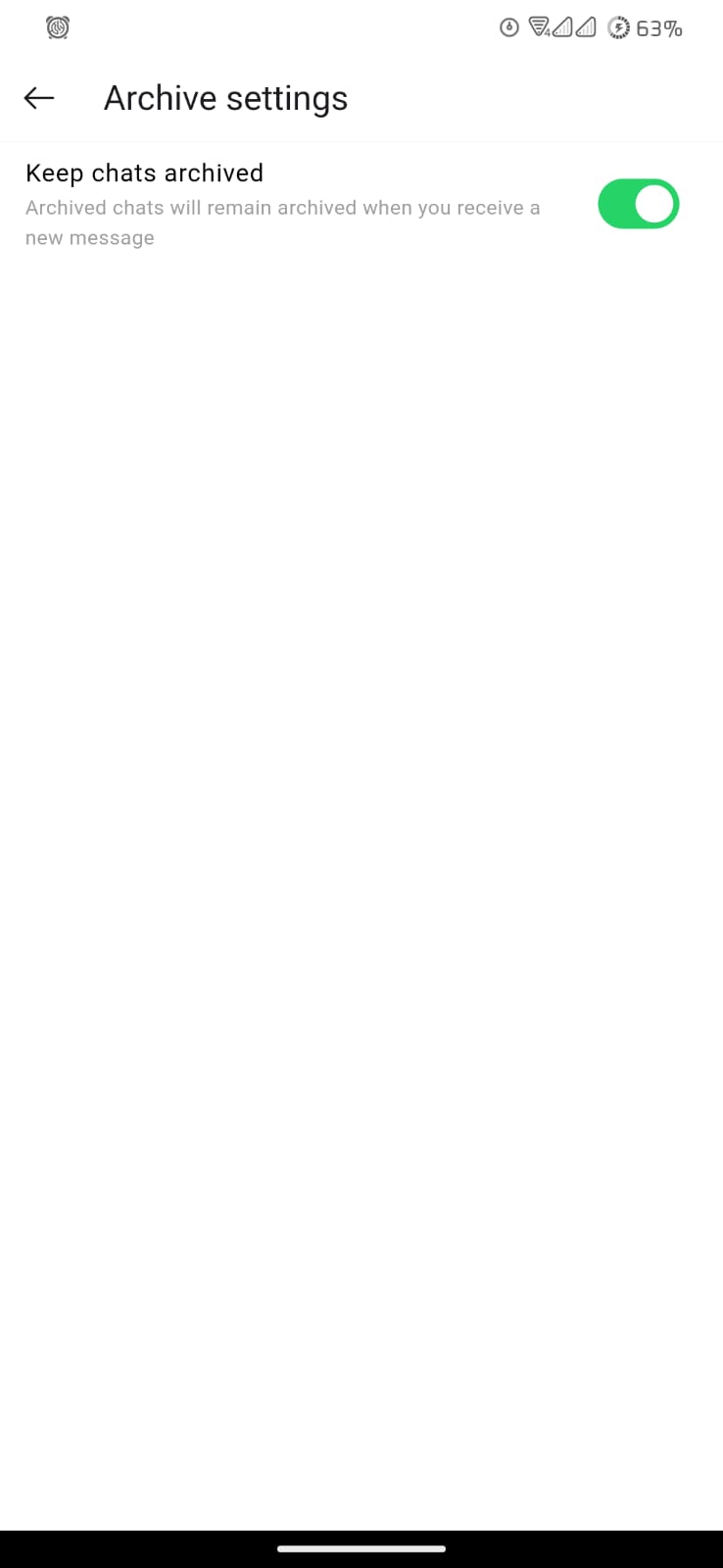
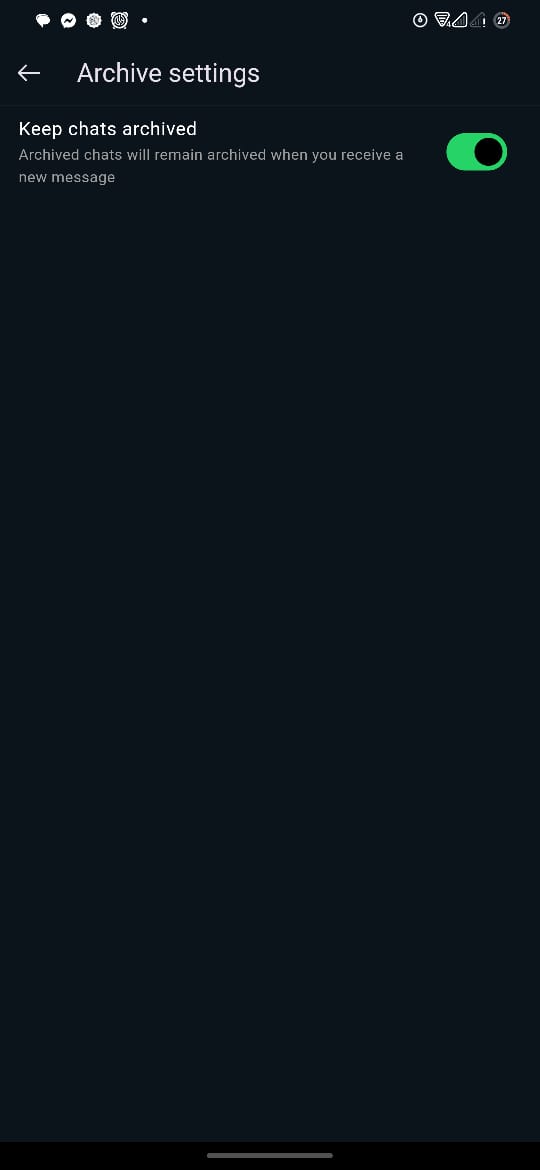
- Archived Chats: View archived chats and settings.
Installation
To get started with the project, follow these steps:
-
Clone the repository:
git clone https://github.com/your-repo/whatsapp_clone_with_flutter.git -
Navigate to the project directory:
cd whatsapp_clone_with_flutter -
Install dependencies:
flutter pub get -
Run the application:
flutter run
Usage
Once the application is running, you can explore the different screens and UI components of the WhatsApp clone. Use the theme switcher to toggle between normal and dark modes.
Screenshots
The following section showcases screenshots of the application in both normal and dark modes, displayed side by side for comparison.
| Normal Mode | Dark Mode |
|---|---|
 |  |
 | 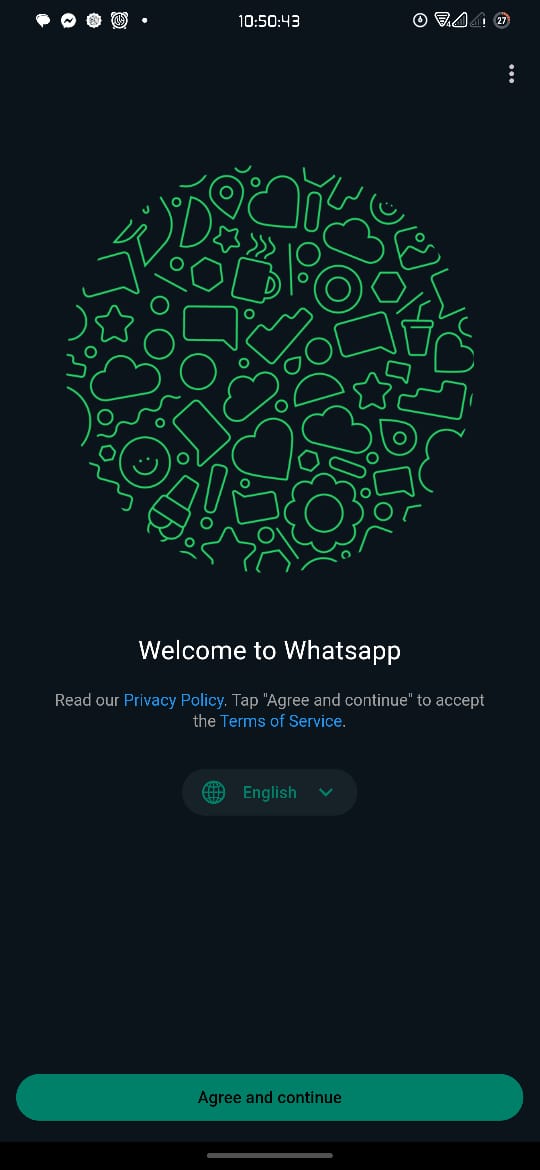 |
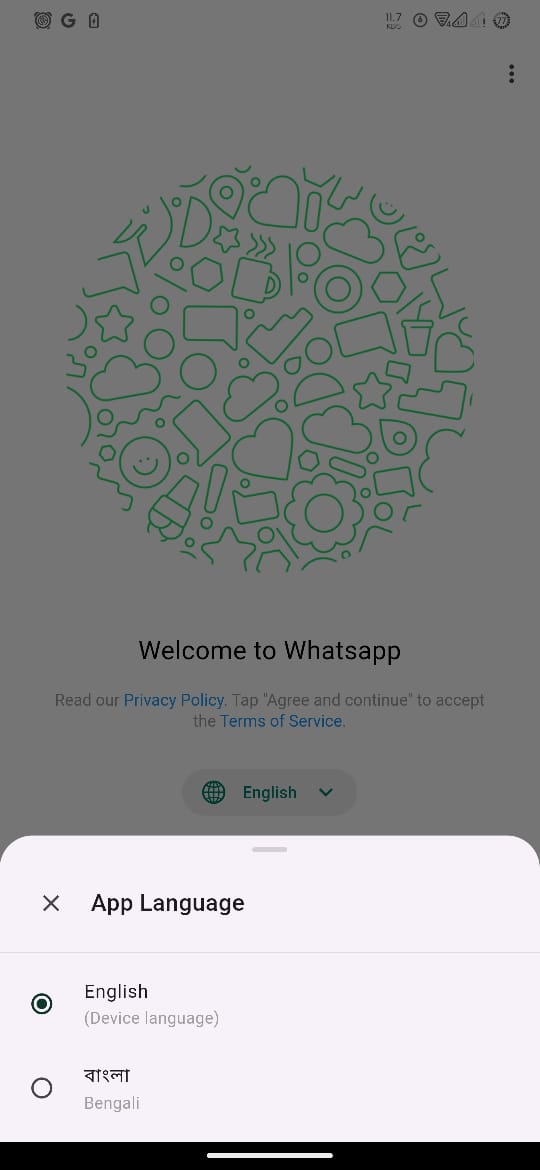 | 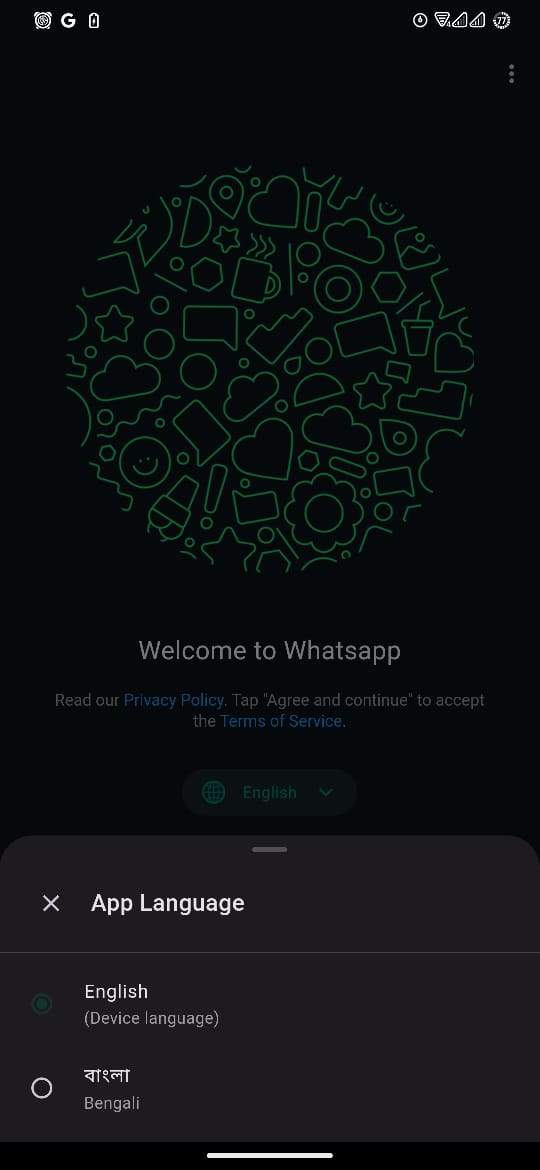 |
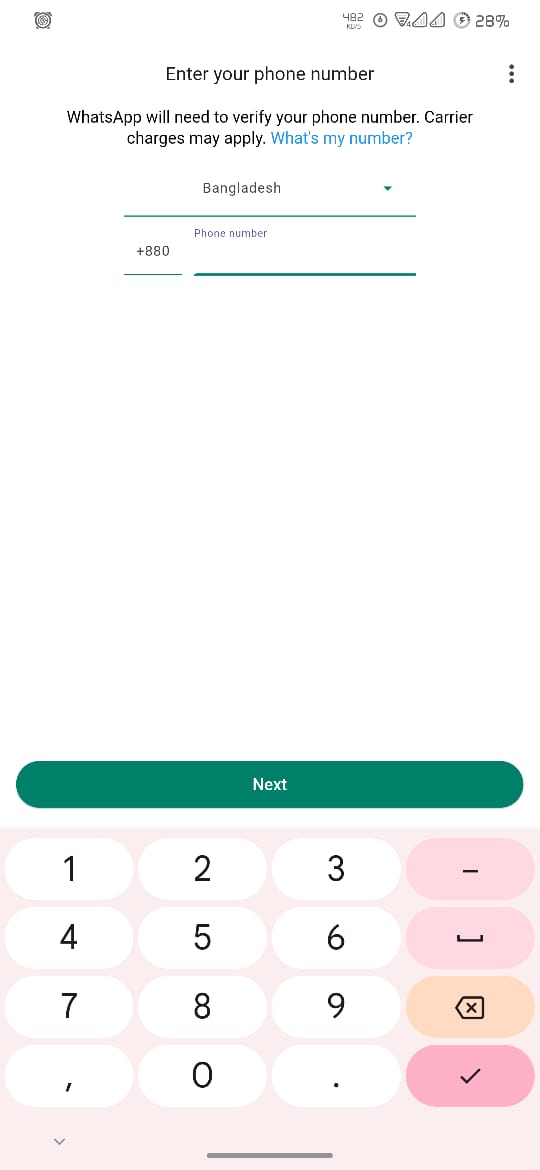 |  |
 |  |
 |  |
 |  |
 |  |
 |  |
 |  |
 |  |
 |  |
 |  |
 | 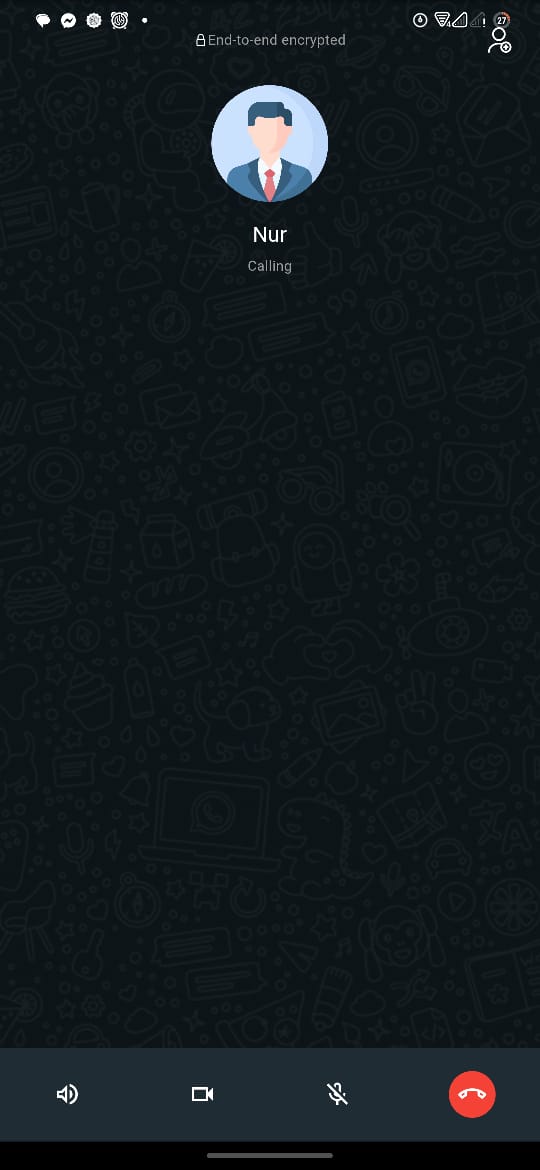 |
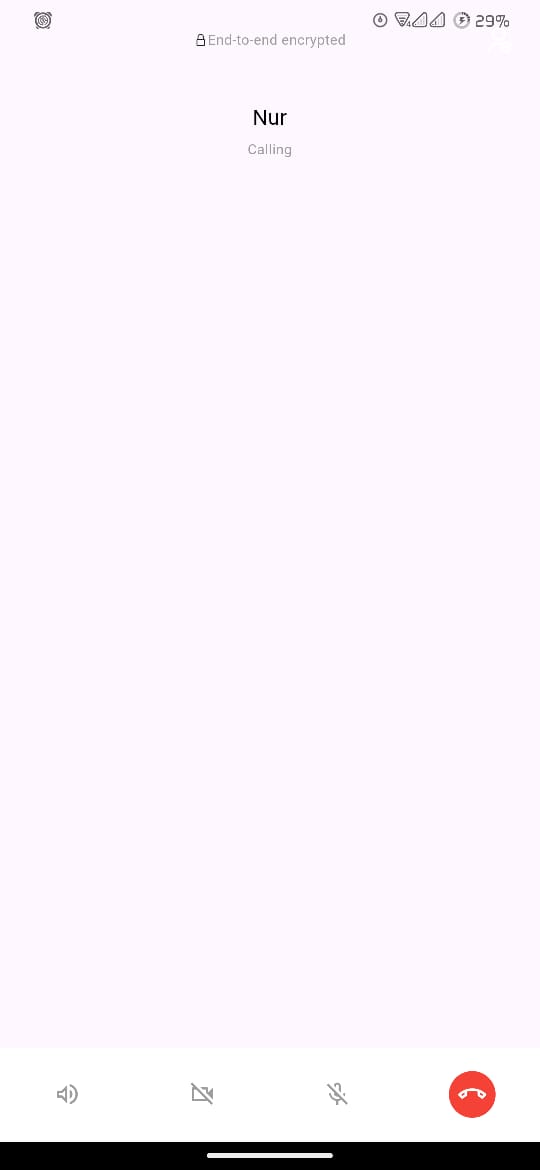 | 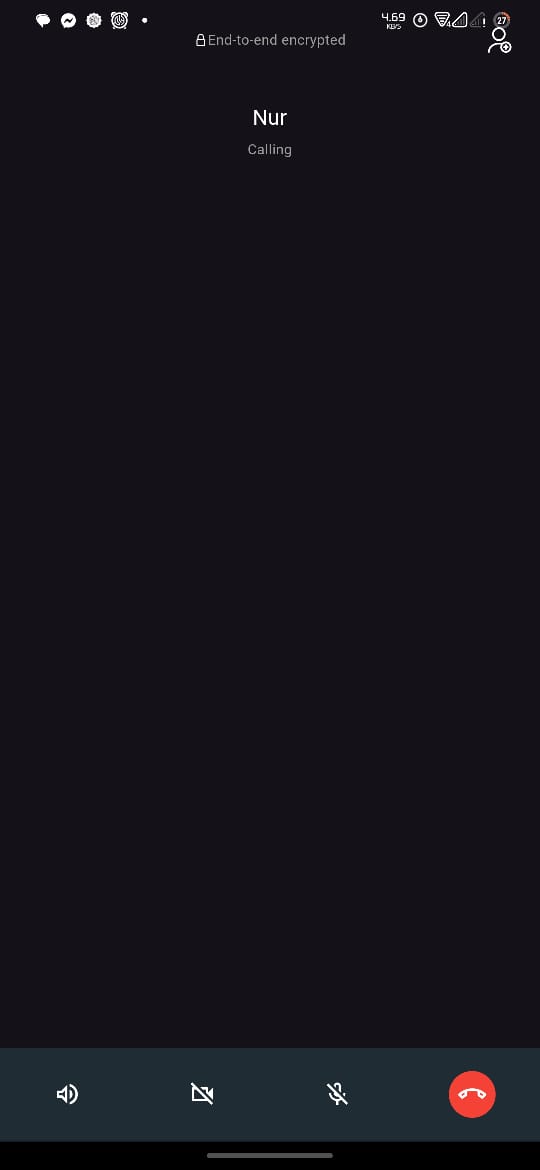 |
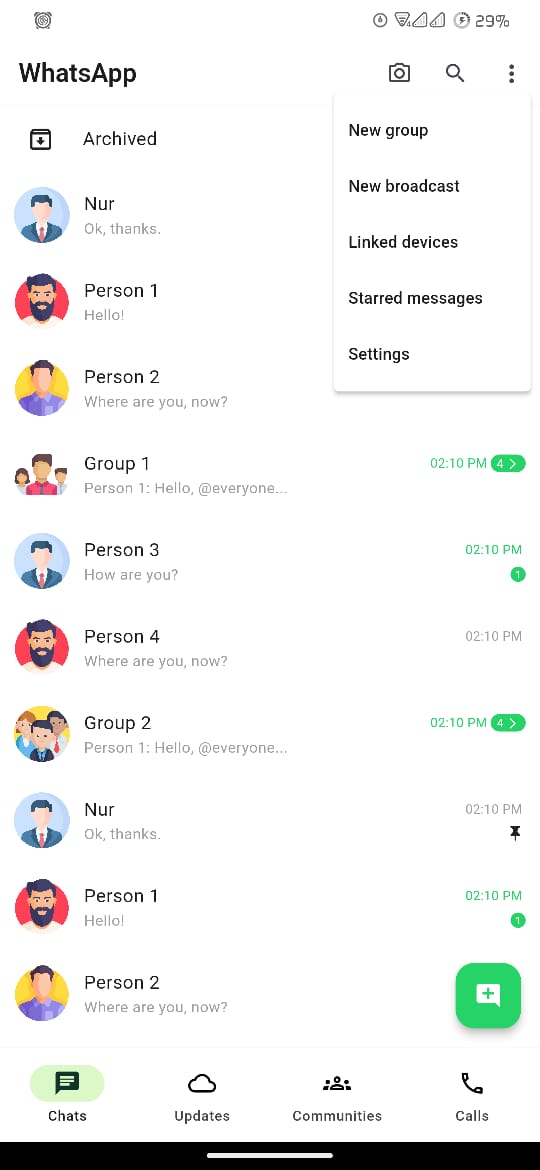 |  |
 |  |
 |  |
Contributing
We welcome contributions to improve WhatsApp Clone with Flutter! If you have suggestions for new features, feel free to open an issue or submit a pull request. Please ensure your code adheres to our coding standards and includes appropriate tests.
License
This project is licensed under the MIT License. See the LICENSE file for more details.
Thank you for using WhatsApp Clone with Flutter! We hope you enjoy the application and find it useful. If you have any questions or need further assistance, please don't hesitate to contact us.